
 Terminal Cheatsheet
Bash ( Linux on Nuvolos)
Everyone in this course uses the same bash shell on the Nuvolos cloud environment. The commands below also work on macOS Terminal and on Linux desktops.
File Operations
| Command | What it does |
|---|---|
cp <source> <destination> |
Copy a file or directory |
mv <source> <destination> |
Move or rename a file or directory |
rm <file> |
Remove a file |
rm -r <directory> |
Remove a directory and everything inside it |
rm deletes permanently. There is no recycle bin in the terminal. Be especially careful with rm -r, which removes an entire folder tree without asking for confirmation.
Viewing and Editing Files
| Command | What it does |
|---|---|
cat <file> |
Print the full contents of a file |
nano <file> |
Open a file in the nano text editor (create it if it does not exist) |
glow <file> |
Render a Markdown file with formatting (glow -p to paginate) |
fx <file> |
Explore a JSON file as a collapsible tree |
A note on vim
vim is a powerful text editor available on almost every Unix system. It has a steep learning curve. If you open a file in vim by accident, press Esc, type :q!, and press Enter to exit without saving.
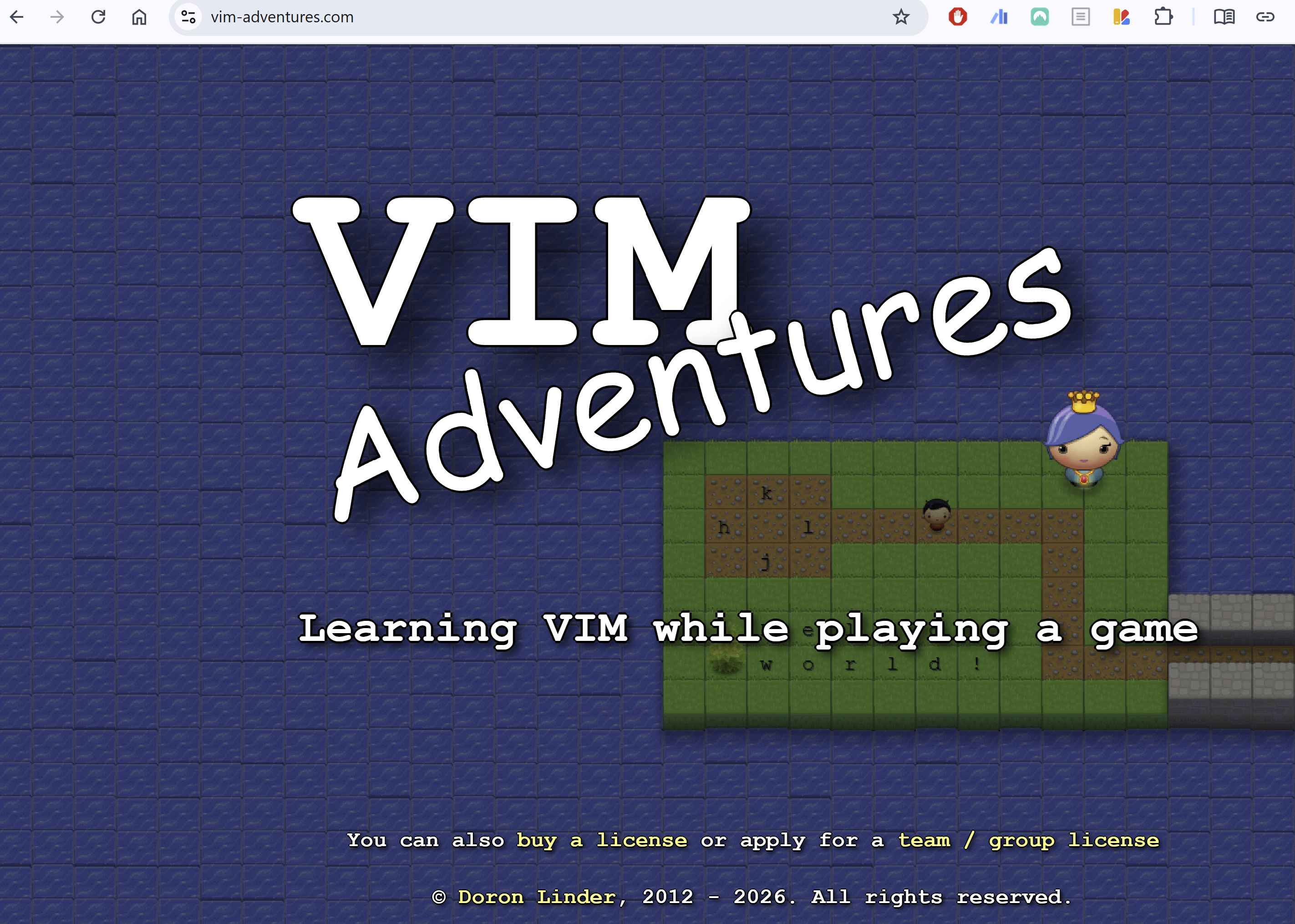
If you want to learn vim, try Vim Adventures, a game that teaches you vim commands by playing through levels. You can also run vimtutor in the terminal for a built-in interactive tutorial.
PowerShell ( Windows)
You will not need PowerShell in this course, but here are the equivalent commands for your own machine.
File Operations
| Command | What it does |
|---|---|
cp <source> <destination> |
Copy a file or directory |
mv <source> <destination> |
Move or rename a file or directory |
rm <file> |
Remove a file |
rm -r <directory> |
Remove a directory and everything inside it |
gc <file> |
Get (print) the contents of a file |