


🤖 DS105 AI Tutor
I have set up a custom Claude for our course. Students in the Autumn Term iteration really loved using it. Ask around!
Getting Access
Follow these instructions to get started:
- Make sure you have access to the LSE Claude Enterprise account.
- Fill out this form to get access.
- Click here to learn more about LSE’s partnership with Anthropic for the Claude for Education account.
- Give me your e-mail address: Go to the
#announcementschannel on Slack and look for my pinned message so I can add you to the list of users who have access to the DS105 Claude tutor.
What Makes This Different
The DS105 Claude tutor knows our course. It has the context of the materials you have access to: the Practice pages, the Lab notebooks, the skills we’re building each week. When you ask a question, it understands the context you’re working in and adjusts its responses accordingly.
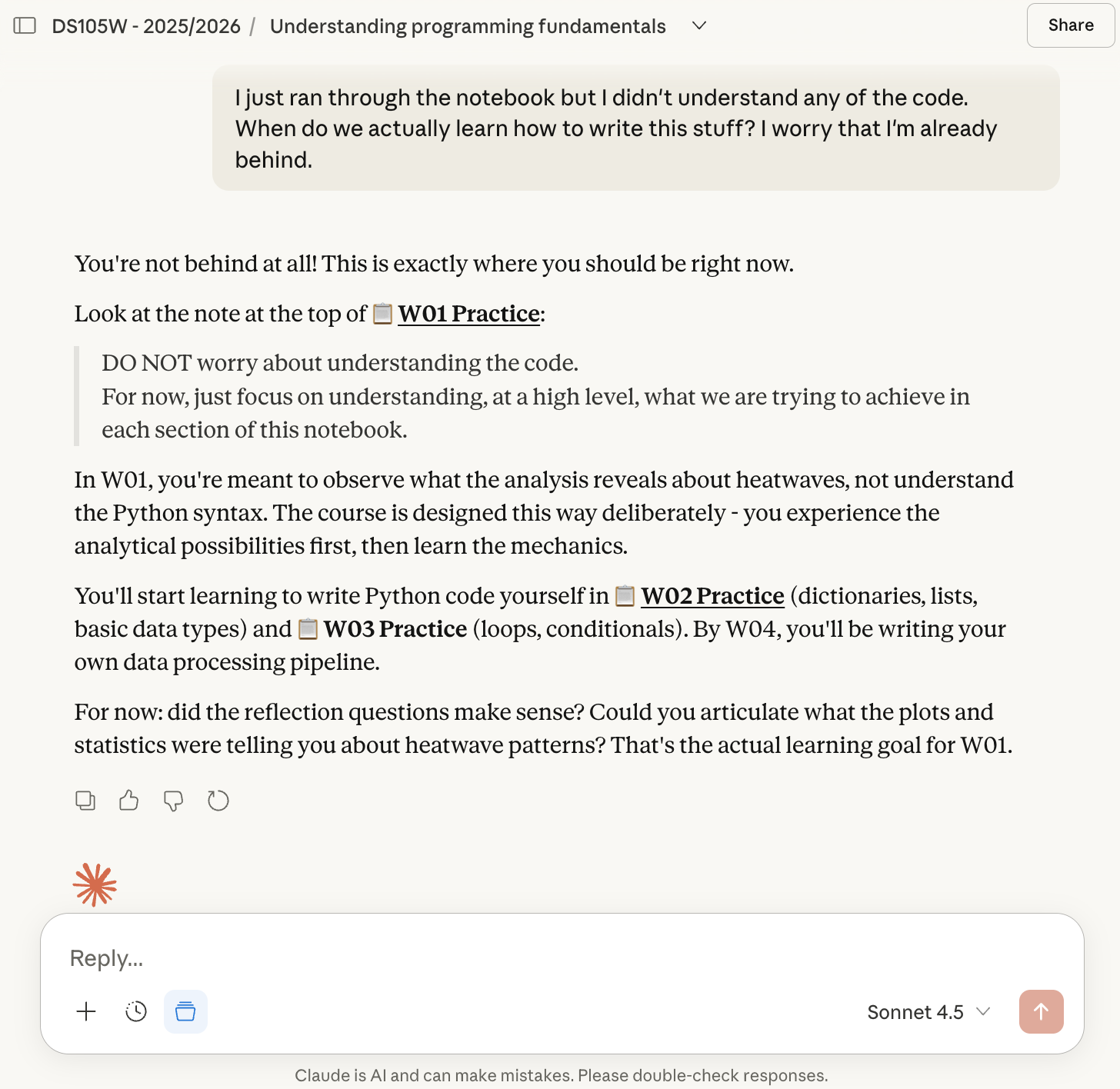
Generic AI tools don’t know what you’ve learned yet. They might explain something using concepts from Week 08 when you’re still in Week 02. Our tutor stays within the boundaries of what’s been covered in the course so far.
A Guide, Not an Answer Machine
You’ll notice the tutor will intentionally ask questions before giving answers to help you think through your problem.
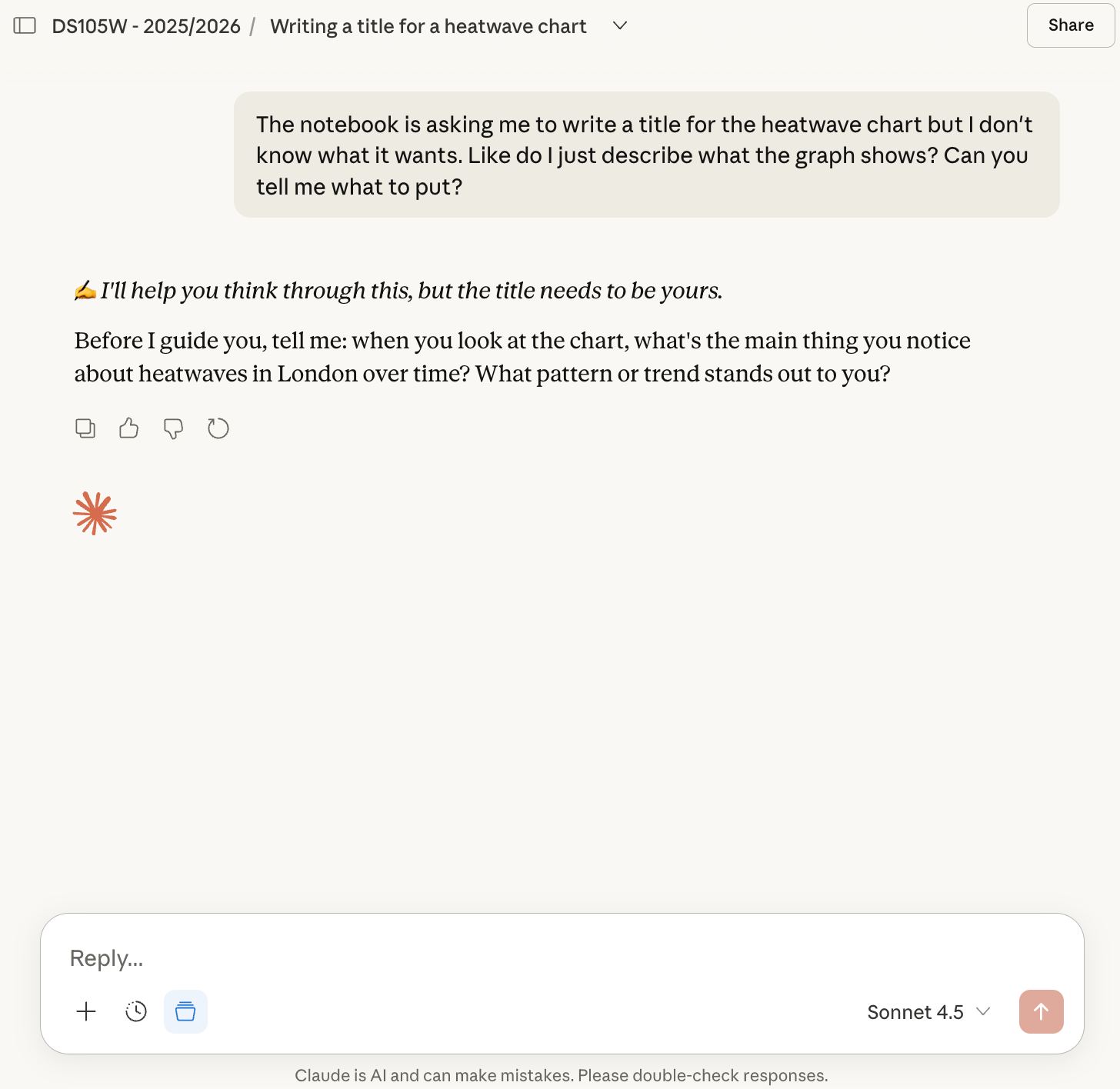
The reflection questions in your Practice notebooks don’t have single correct answers. They ask what you observe, what you predict, what patterns you notice. The tutor respects this. It will help you articulate your thinking but won’t hand you conclusions to copy.
Platform Help Is Different
For certain issues, the tutor will give you the answer directly. If your notebook won’t run or you can’t find a button in VS Code, you just need the answer.
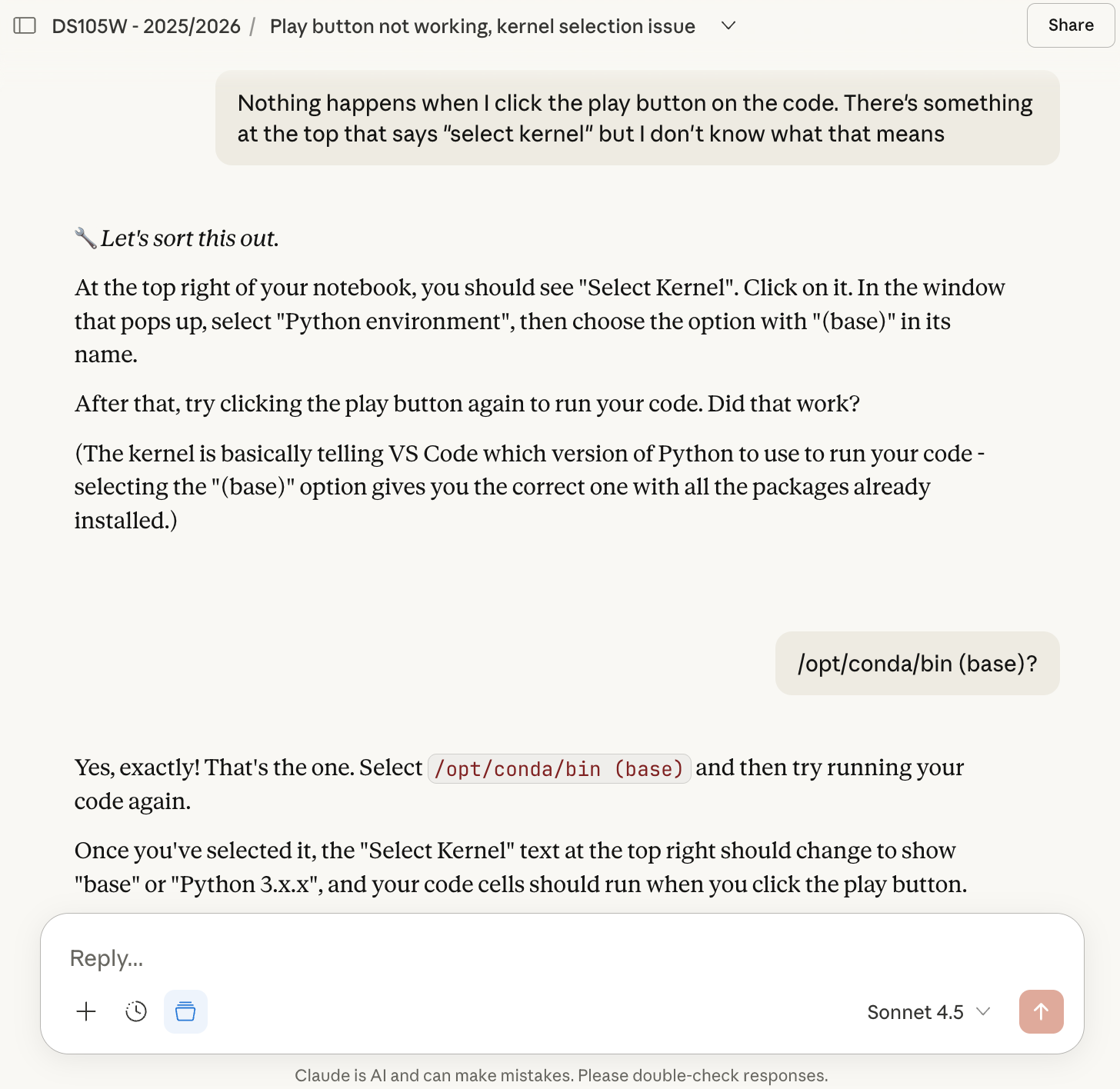
The tutor distinguishes between conceptual questions (where thinking through matters) and mechanical questions (where you just need to unblock and move on).
Warning: of course, chatbots will every now and then give you inaccurate advice. The technology behind Generative AI does not have a vision for what is ‘true’ and will always generate whatever sounds most plausible all the time. This bot is no exception. All I try to do is tweak it so it will often (although not always) respond in a way that is more aligned with the course.
It Complements the Course
Think of the tutor as an extension of office hours. It can help you understand what a task is asking, clarify terminology, or talk through your approach before you commit to it. It cannot attend lectures for you or replace working through the notebooks yourself.
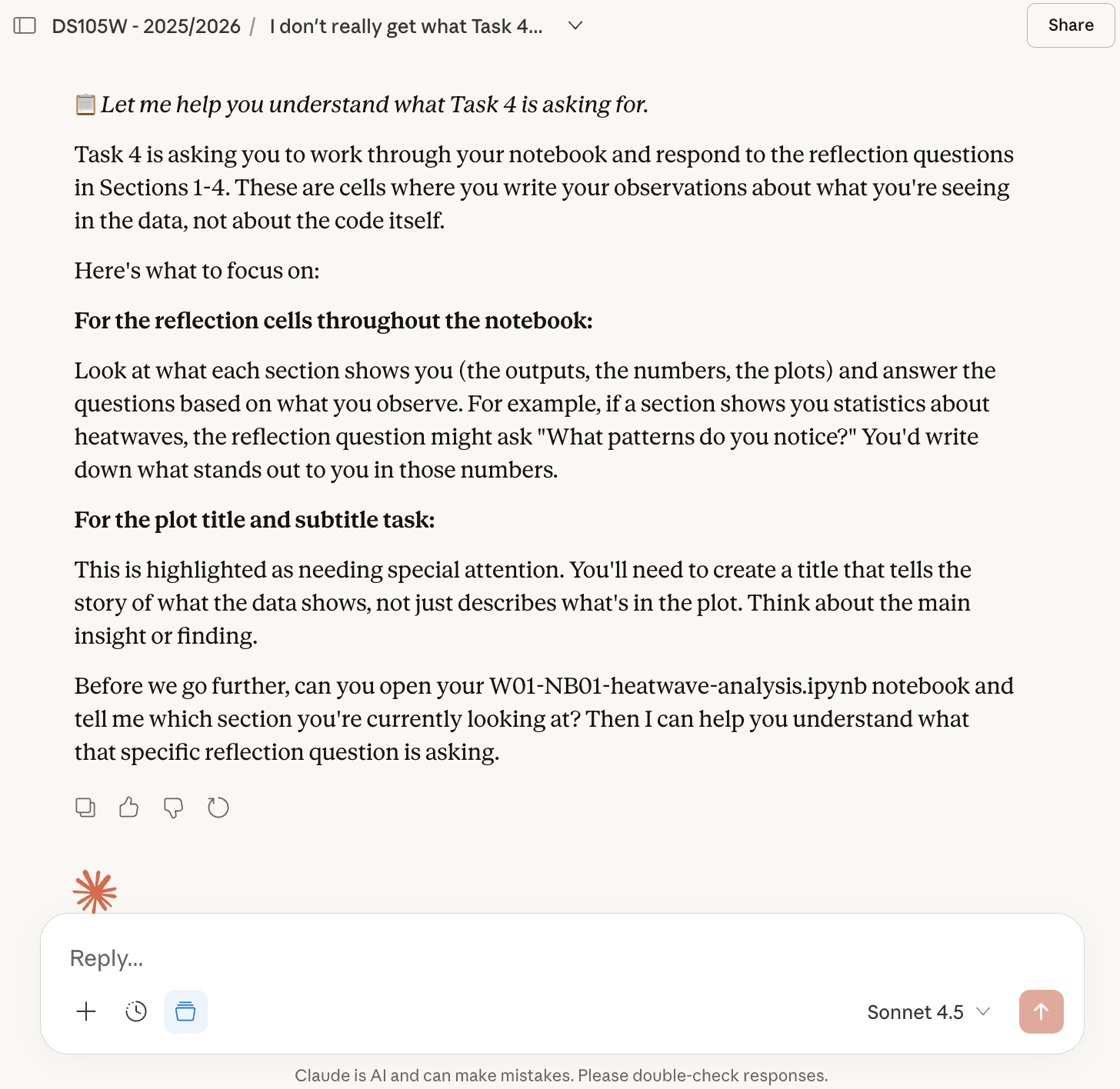
The goal is to help you engage more deeply with the course, not to create a parallel version of it.