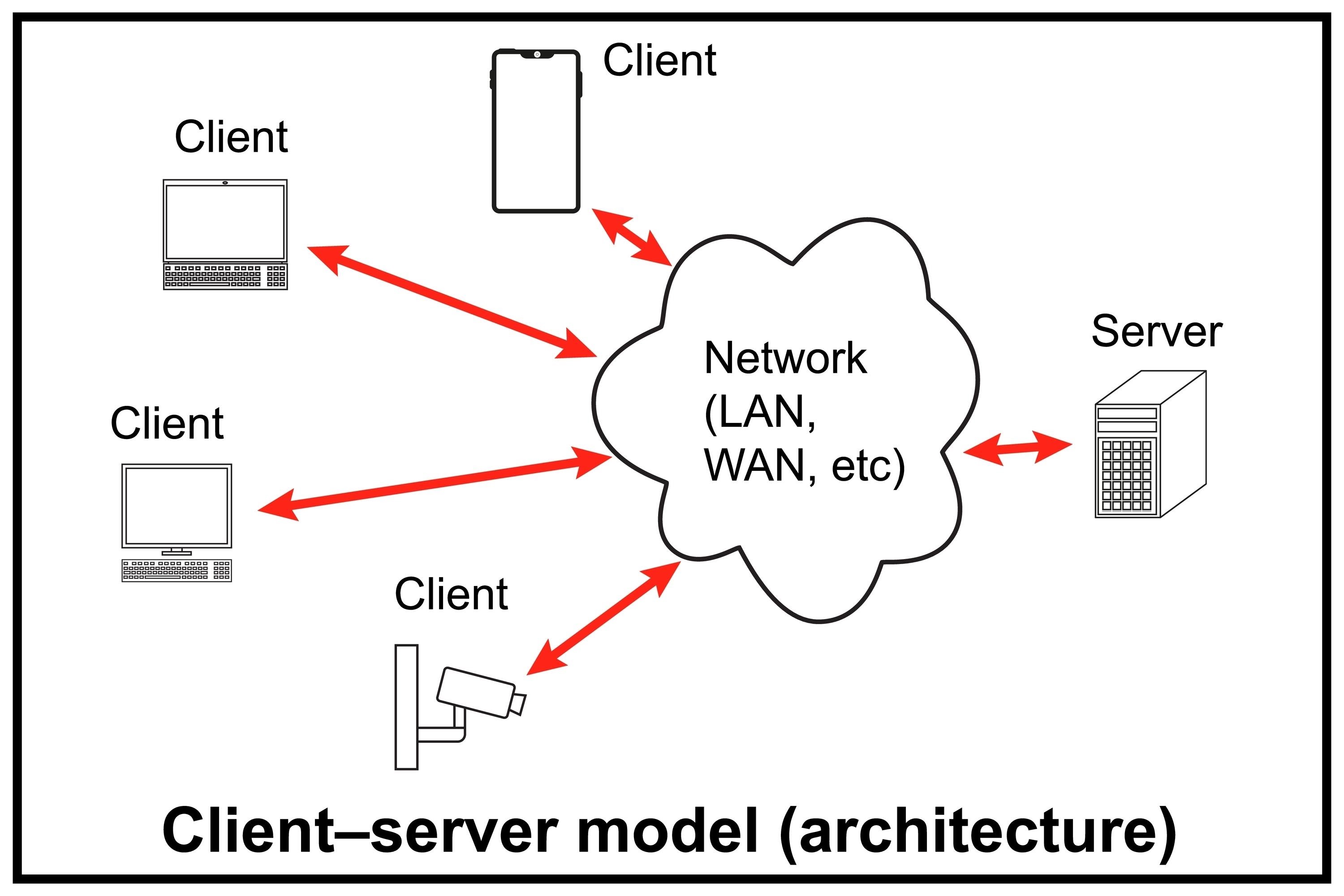
sequenceDiagram
    participant Browser
    participant Server

    Browser->>Server: HTTP Request
    Server-->>Browser: HTTP Response
🗓️ Week 02
From APIs to Web Scraping
DS205 – Advanced Data Manipulation
26 Jan 2026
The Internet vs The Web
The Internet
- Cables, routers, and protocols that allow devices to communicate with each other (TCP/IP)
- The infrastructure
The Web
- When most of us say “the Internet”, we most likely mean “the Web”
- An application that runs on top of the Internet
- Built on HTTP and HTML
How did the Web come to be?

" The most influential inventor of the modern world, Sir Tim Berners-Lee is a different kind of visionary. Born in the same year as Bill Gates and Steve Jobs, Berners-Lee famously shared his invention, the World Wide Web, for no commercial reward. Its widespread adoption changed everything, transforming humanity into the first digital species. Through the web, we live, work, dream and connect.
In this intimate memoir, Berners-Lee tells the story of his iconic invention, exploring how it launched a new era of creativity and collaboration while unleashing a commercial race that today imperils democracies and polarizes public debate. As the rapid development of artificial intelligence heralds a new era of innovation, Berners-Lee provides the perfect guide to the crucial decisions ahead – and a gripping, in-the-room account of the rise of the online world.”
(Synopsis from the publisher) Berners-Lee, T. (with Witt, S.). (2025). This is for everyone. Macmillan.
Why Web Scraping?
Data Collection at Scale
- Automated gathering of data from websites when developers do not provide APIs
- Ability to collect large volumes of data quickly and systematically
- Essential for research requiring comprehensive web data analysis
Benefits and Advantages
- Cost-effective alternative to manual data collection
- Reproducible and systematic data gathering process
- Real-time monitoring and updates of web content
- Ability to create unique datasets for competitive advantage
Real-World Applications
 Market Research
 Academic Research
 Financial Analysis
 Job Market Analysis
 News Monitoring
Did you say web scraping for job search?
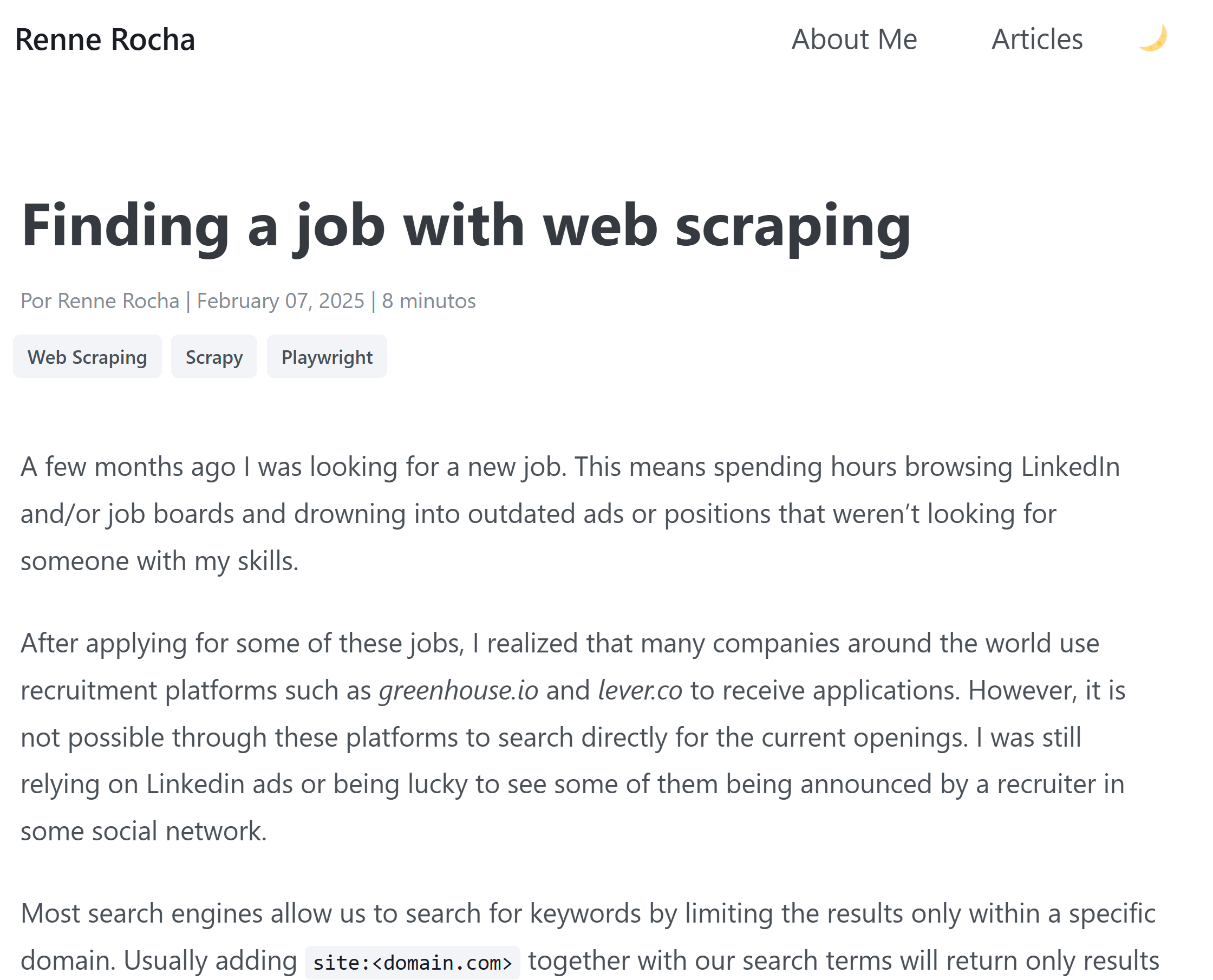
Here is a tutorial of someone who used web scraping to search for jobs.
👤 On this same vein: a former DS205 student used web scraping to build a platform to find entry-level finance jobs. I have invited him to come and share his experience with you (Week 07-08).
The Web as a Dataset
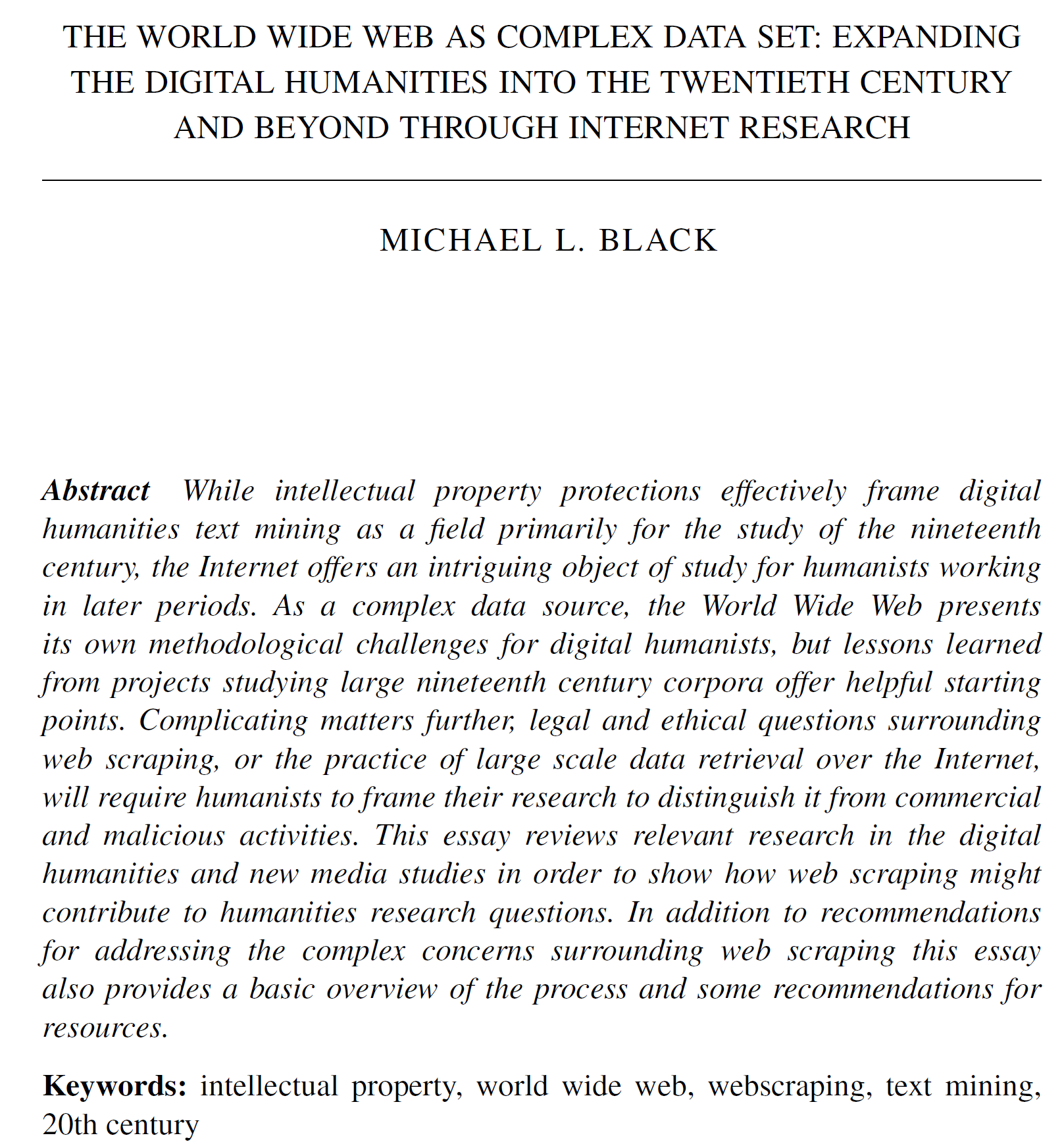
👈🏻 This paper from the field of digital humanities offers a valuable perspective of how to think about the Web in terms of archival and research purposes.
While published several years ago and originating outside data science, its core concept (viewing the Web as a structured dataset rather than an unorganized mass of information) matches our approach to web scraping in this course and perhaps data science applications of web scraping more broadly.
Black, M.L. (2016). The World Wide Web as Complex Data Set: Expanding the Digital Humanities into the Twentieth Century and Beyond through Internet Research. Int. J. Humanit. Arts Comput., 10, 95-109.
Recommended Reading for this week
- Ryan Mitchell (2024). Web Scraping with Python (3rd ed.). O’Reilly Media, Inc. Chapters 1-3 and 8.
- Berners-Lee, T. (with Witt, S.). (2025). This is for everyone. Macmillan.