
 Using Nuvolos
⚠️ IMPORTANT: Follow the instructions on this link if you don’t have a Nuvolos Cloud account yet.
Using Nuvolos
If you already have a Nuvolos account, simply go to the Nuvolos website and login using the credentials you provided when you created the Nuvolos account.
Access the platform. After logging in, you will be able to access the platform. You will see a screen similar to the one below:
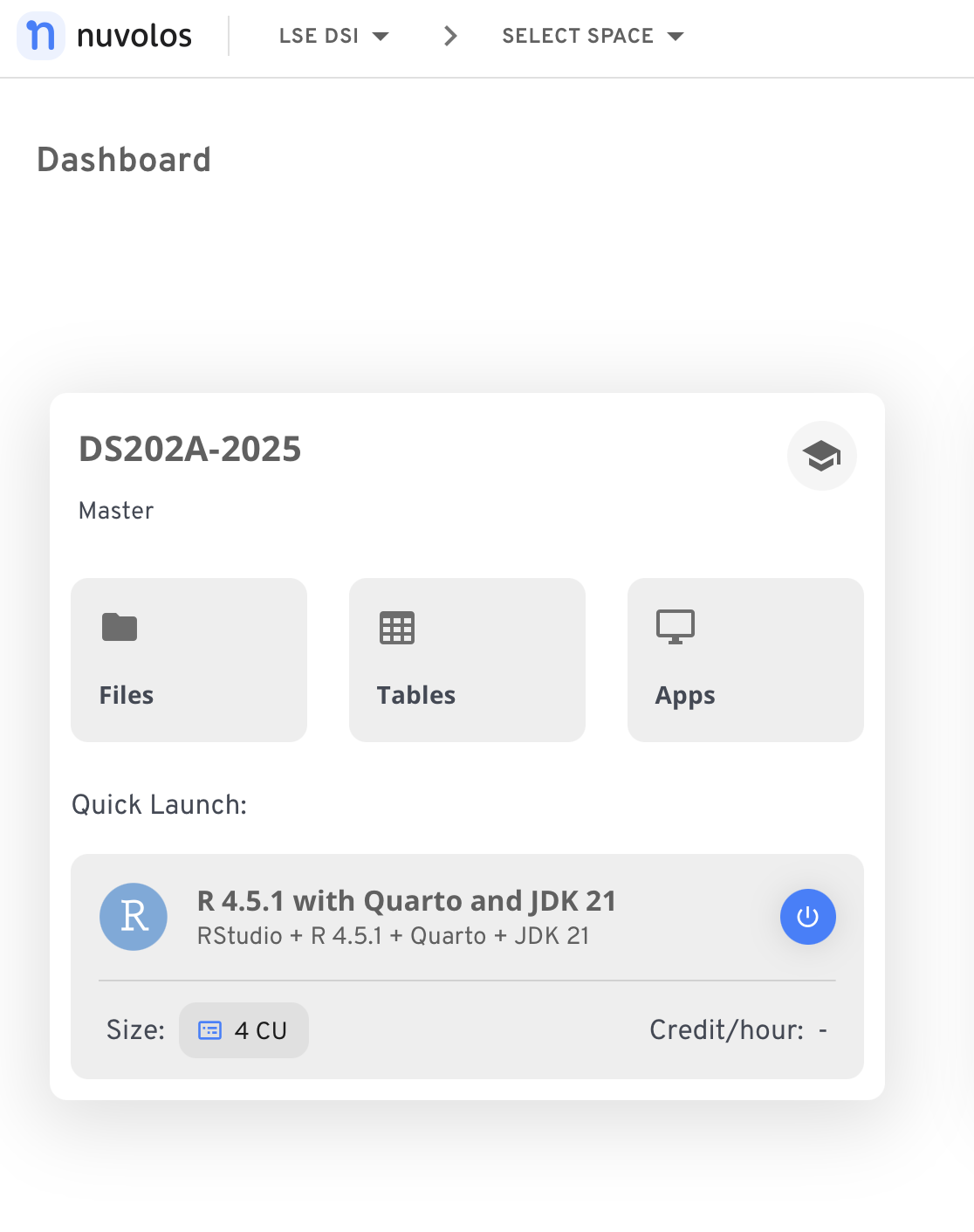
Figure 1. Your Nuvolos frontpage will have a ‘Space’ dedicated to this course. Click on the ‘DS202A-2025’ word to access the Overview page.
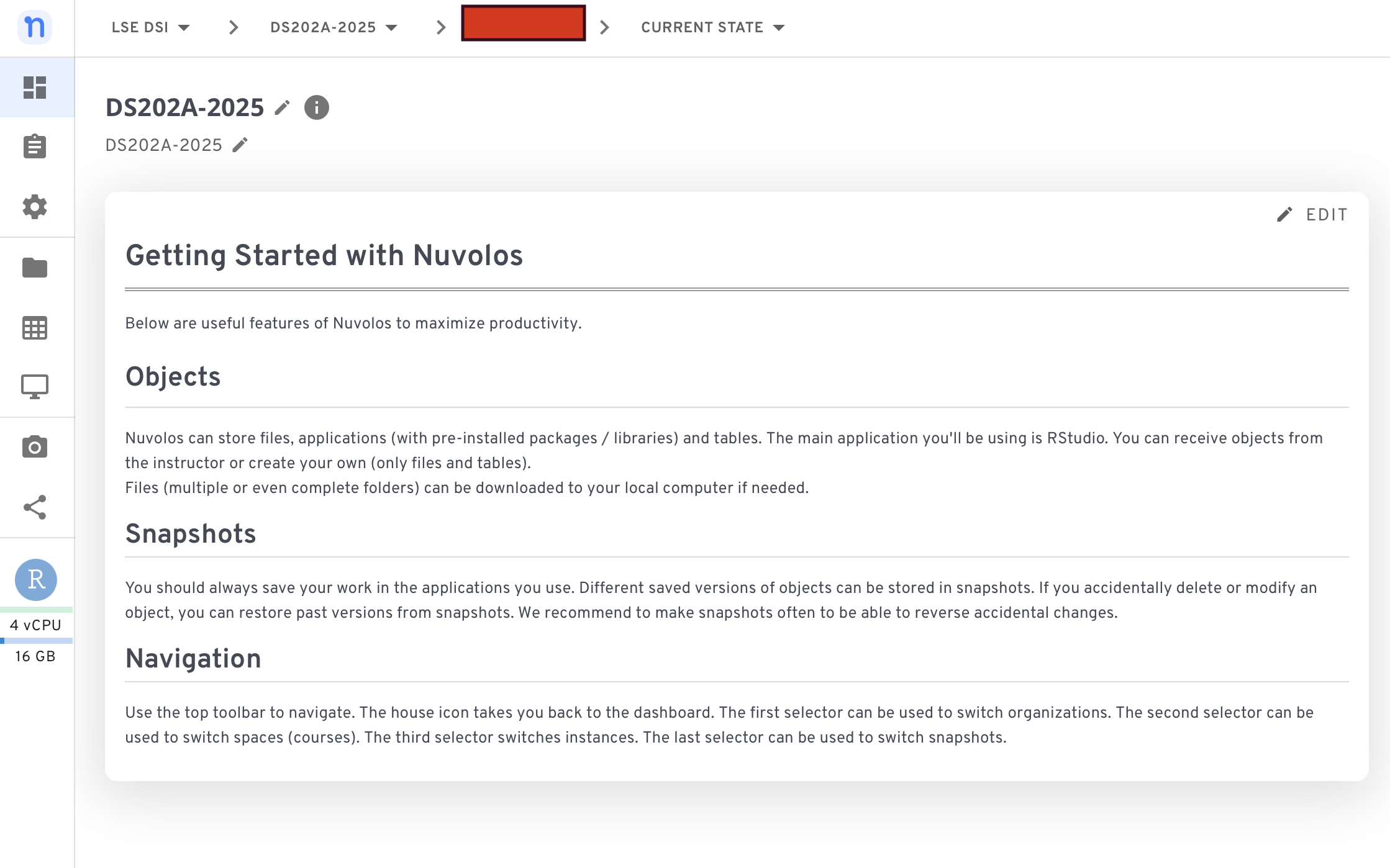
Figure 2. The Overview page has a list of all available assignments (if any) at the top and a bit of information about how to use the platform.
Run applications like the Terminal or RStudio
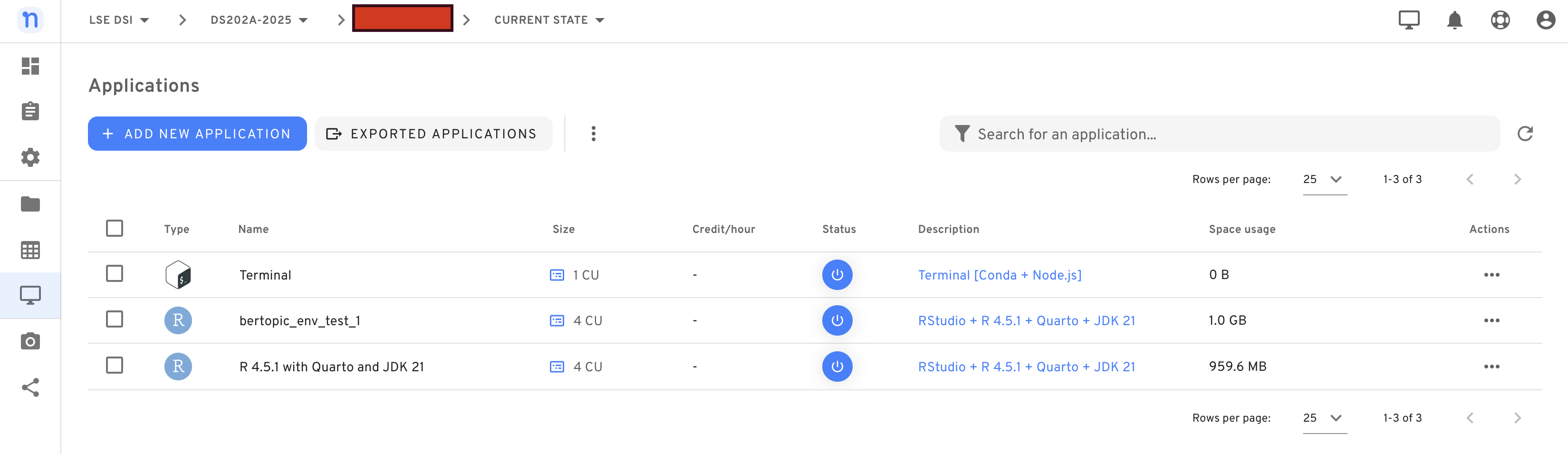
Visit the ‘Applications’ tab to see the available apps. You should see the Terminal app enabled by default and eventually other apps like RStudio.
Run RStudio
Nuvolos already comes with RStudio installed and pre-configured. In the ‘Applications’ tab, simply click on ‘R 4.5.1 with Quarto and JDK 21’ (W07 to 09) or on ‘bertopic_env_test_1’ (W10 and onwards).